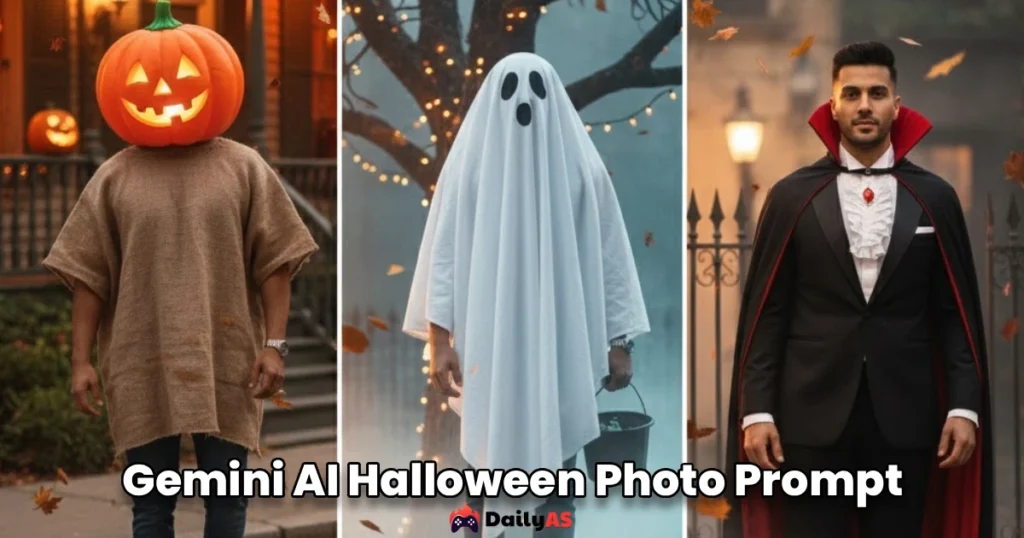
Creating the perfect gemini ai halloween photo prompt has become one of the most exciting trends for users who want spooky, creative, and hyper-personalized Halloween images. With Google’s Gemini AI now capable of producing highly detailed, identity-consistent visuals, content creators, photographers, influencers, and casual users can transform their photos into stunning Halloween artwork with ease. At DailyAS, we explore how Gemini’s advanced multimodal capabilities help users design cinematic, creepy, or fun Halloween portraits while keeping facial details accurate and realistic. Our goal is to provide trusted insights, expert-level explanations, and well-researched prompt ideas so you can generate professional-quality Halloween images without any guesswork. Whether you’re preparing social media posts, blog visuals, or personal Halloween edits, this guide will help you unlock the full potential of Gemini with the most effective gemini ai halloween photo prompt suggestions.
1. Pumpkin King Royal Portrait
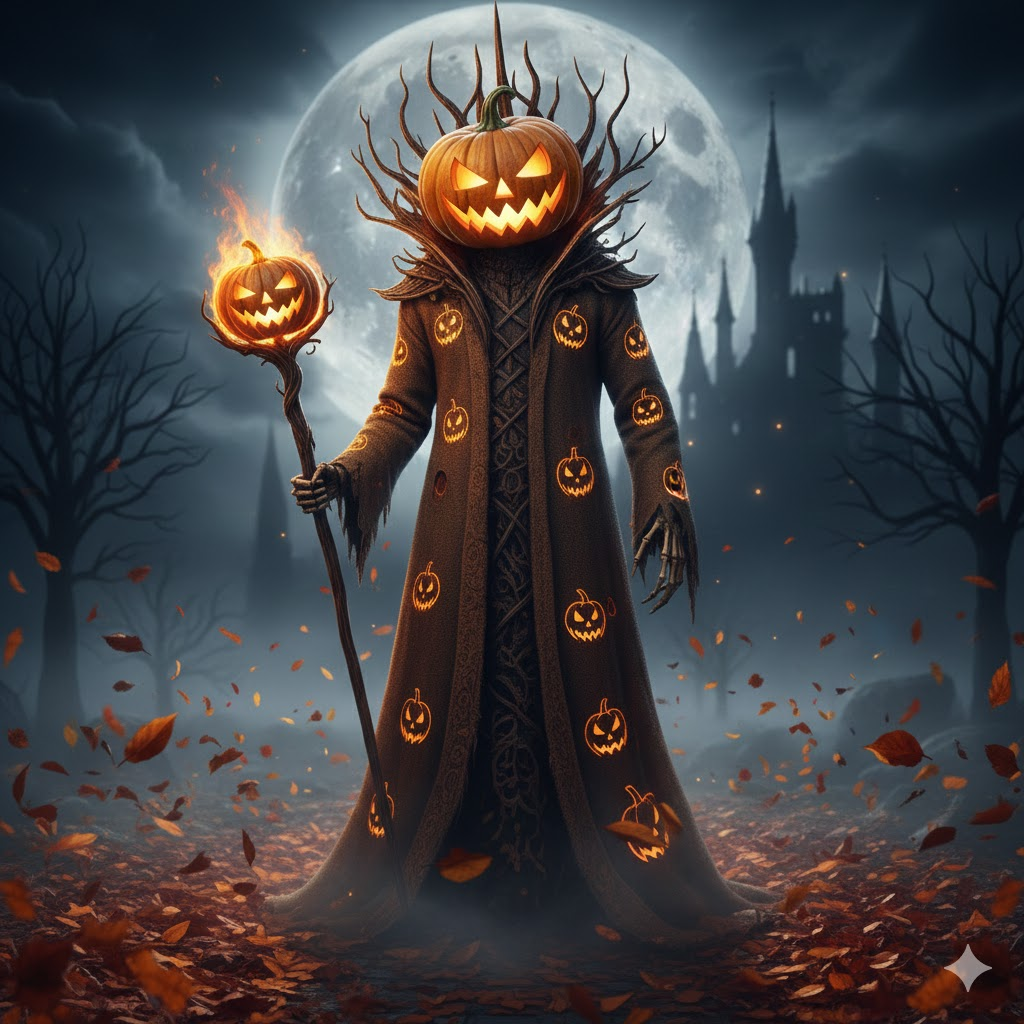
“Transform the person into a majestic Pumpkin King with a glowing jack-o’-lantern crown, swirling fog, and a bright harvest moon. Add cinematic Halloween lighting and warm orange highlights. Keep the original facial features so the character remains recognizable in the final image.”
2. Elegant Vampire Overlord
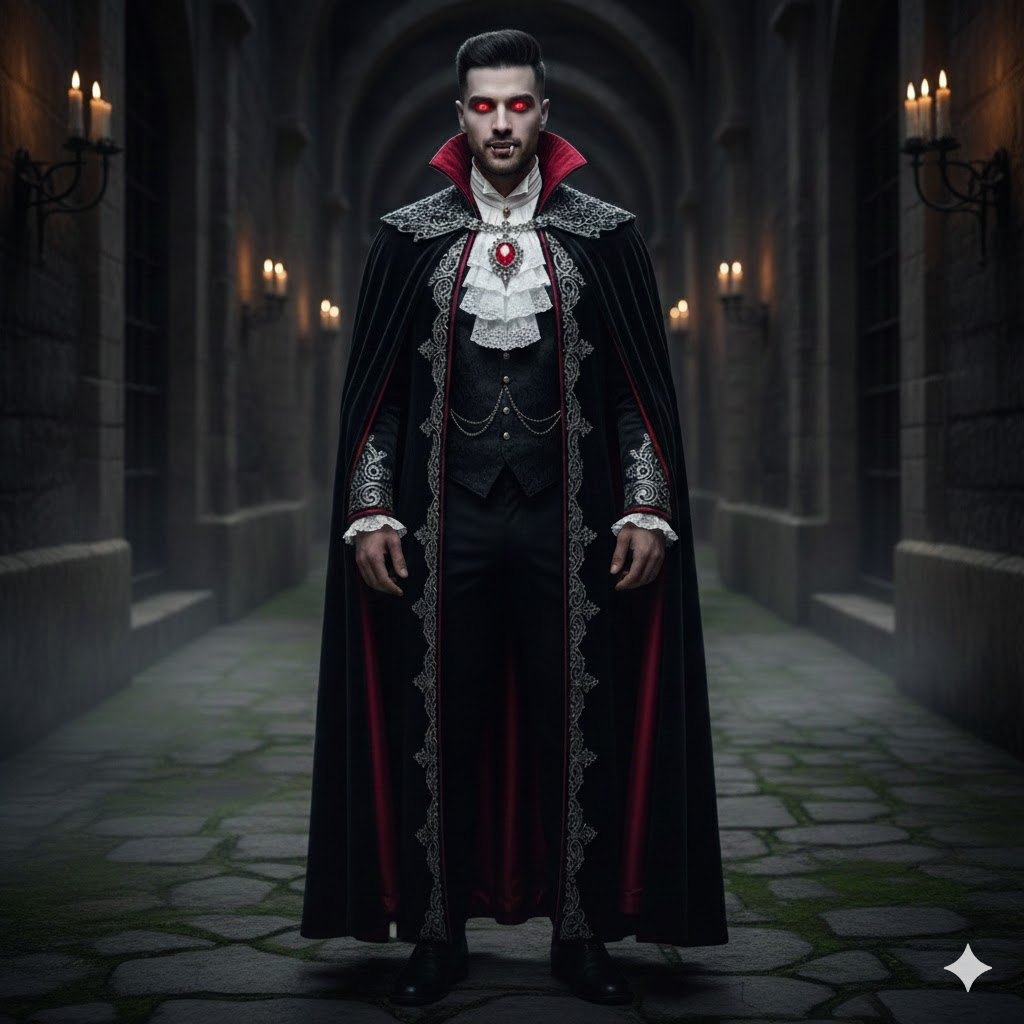
“Create a gothic Halloween portrait of the person as an aristocratic vampire dressed in velvet and silver embroidery. Use a candlelit castle setting with drifting mist. Maintain the same face structure and identity from the reference image for consistency.”
3. Enchanted Forest Spirit
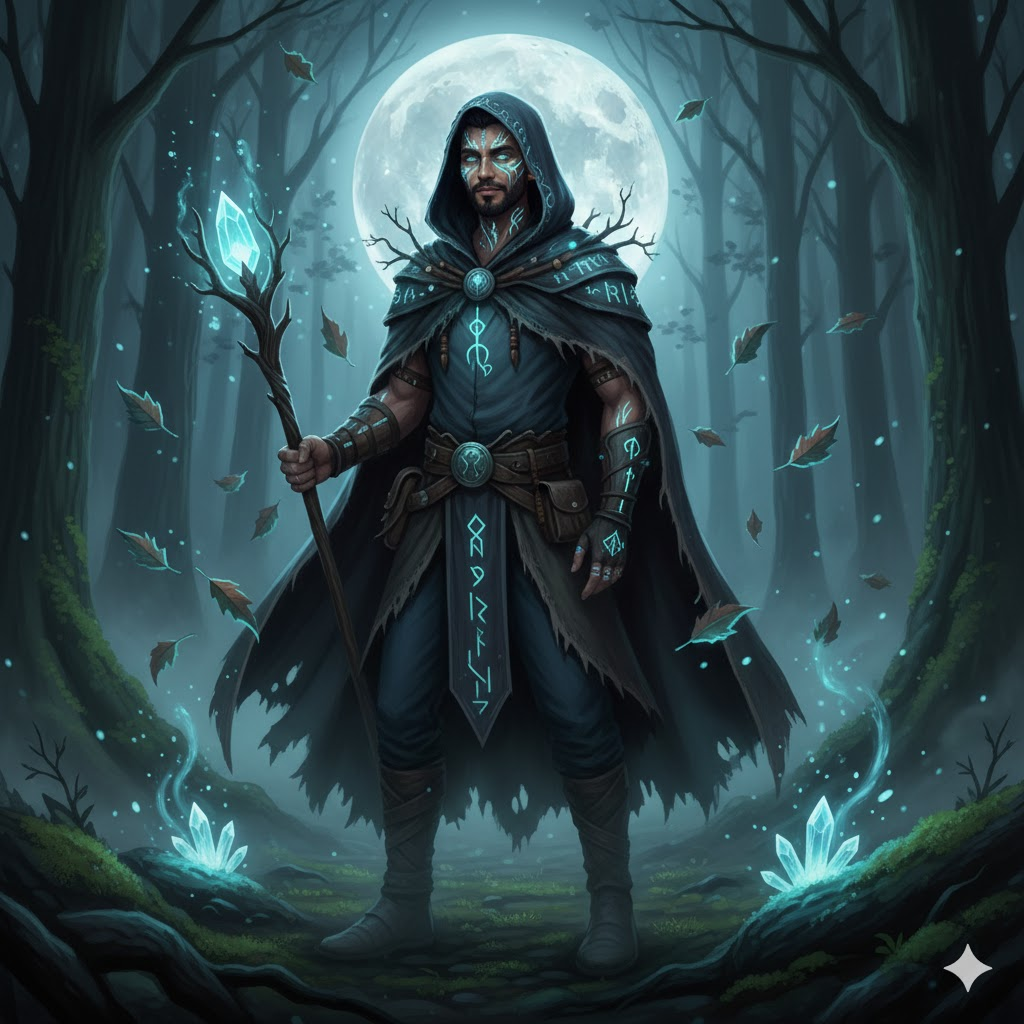
“Reimagine the person as a mystical forest guardian with glowing runes, floating leaves, and moonlit fog. Add magical blue and green accents for a fantasy-horror vibe. Ensure the face stays true to the provided photo while applying the Halloween transformation.”
4. Apocalypse Survivor Aesthetic
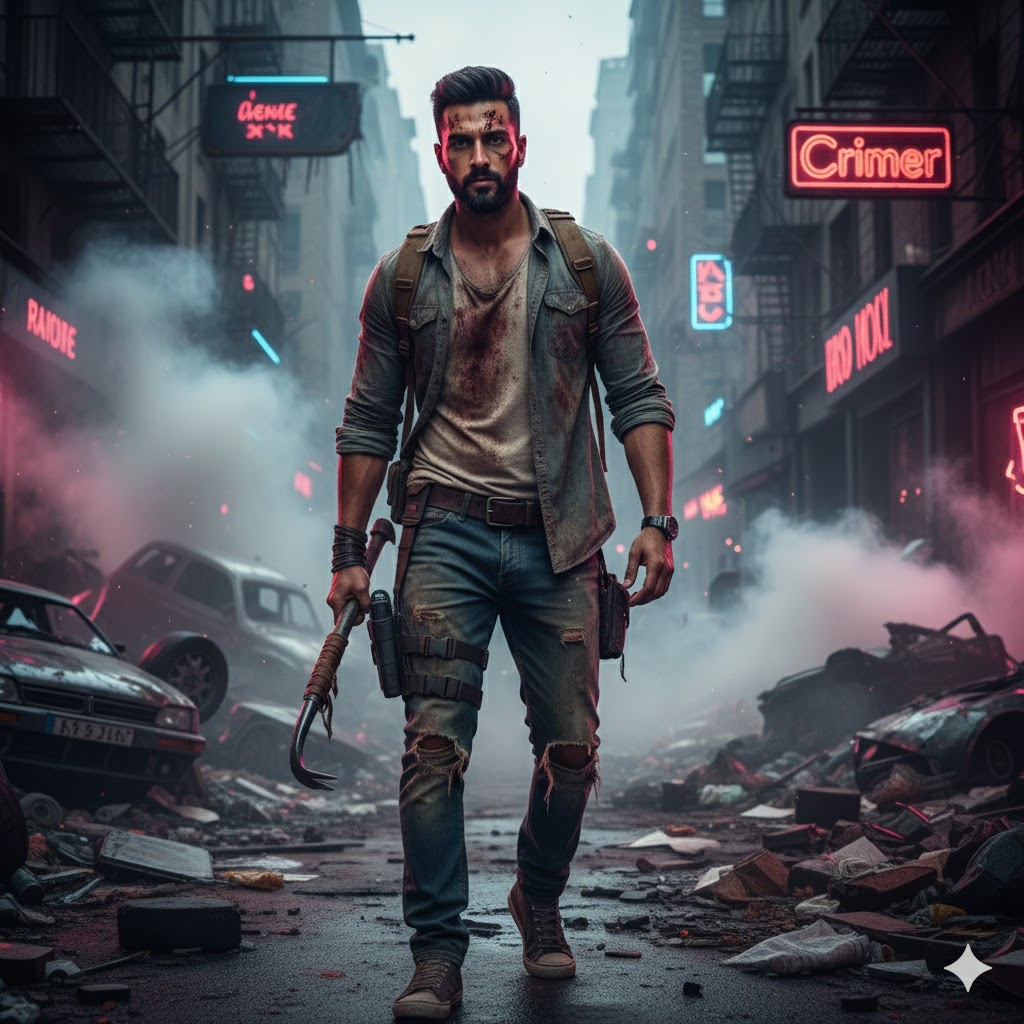
“Turn the person into a rugged zombie-apocalypse survivor surrounded by smoke, debris, and broken neon lights. Add cinematic shadows and gritty realism. Preserve the original facial identity so the character remains the same despite the theme.”
5. Werewolf Transformation Scene
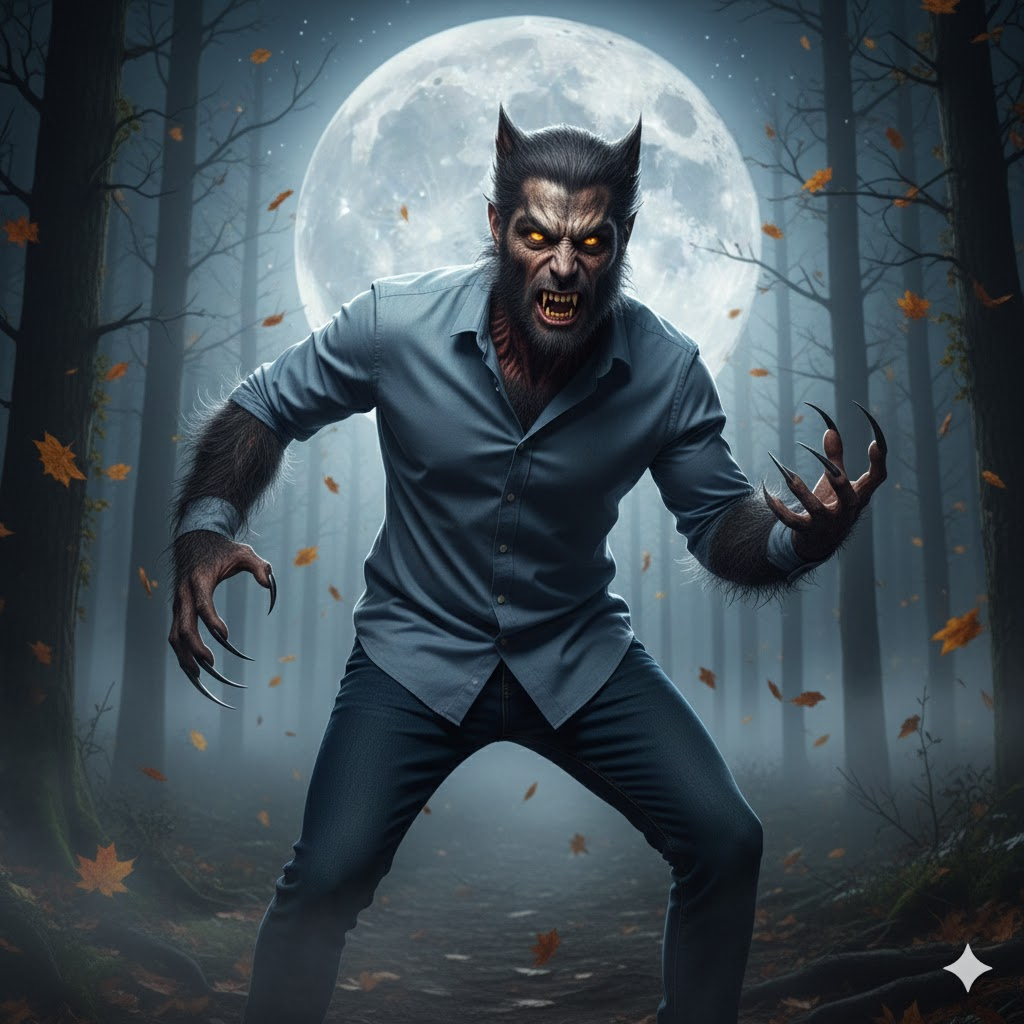
“Show the person mid-transformation into a werewolf under a full moon, with emerging claws and glowing eyes. Use a dark forest backdrop with swirling wind and tension. Keep the facial identity accurately aligned with the base image while enhancing the Halloween effects.”
6. Haunted Ghost Apparition
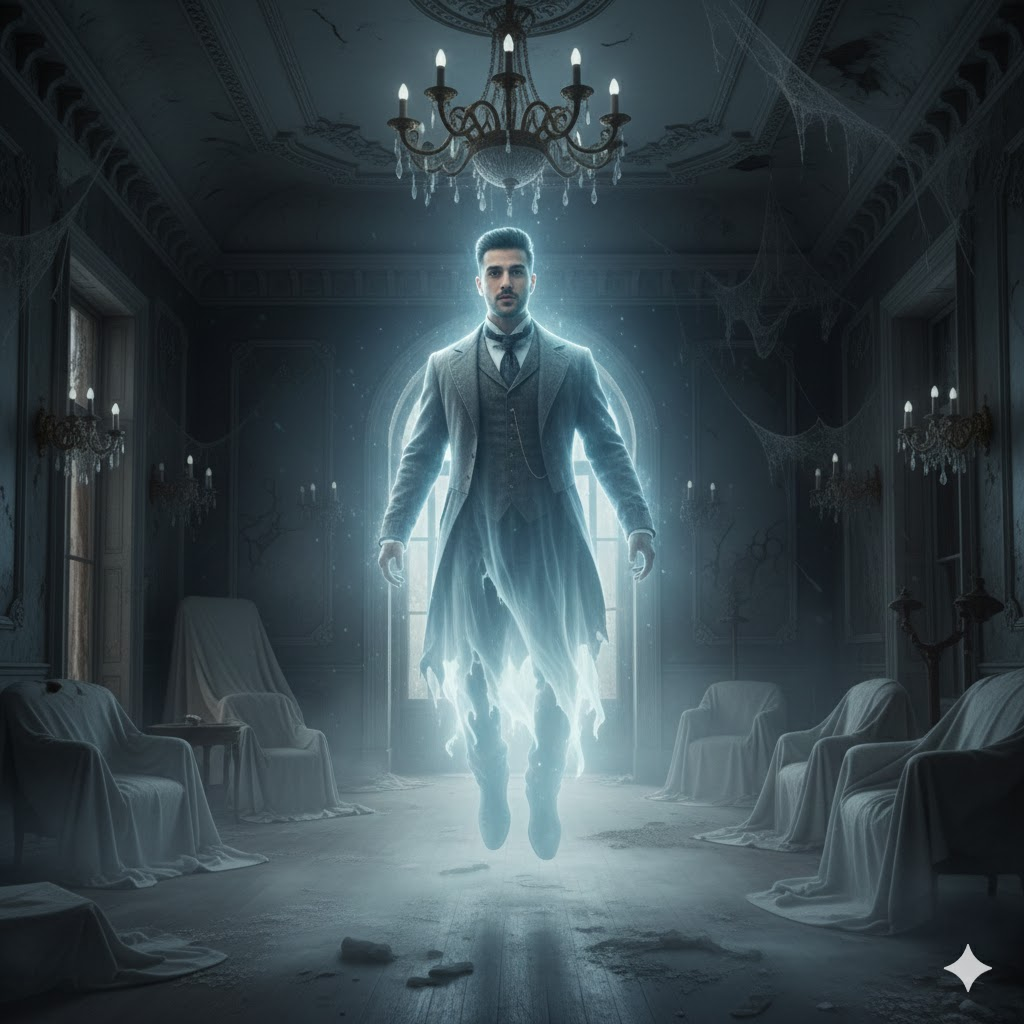
“Convert the person into a glowing ghostly apparition inside an abandoned Victorian mansion filled with cobwebs and cold drifting mist. Add soft spectral lighting. Retain the person’s recognizable face to ensure continuity with the original photo.”
7. Dark Sorcerer / Warlock
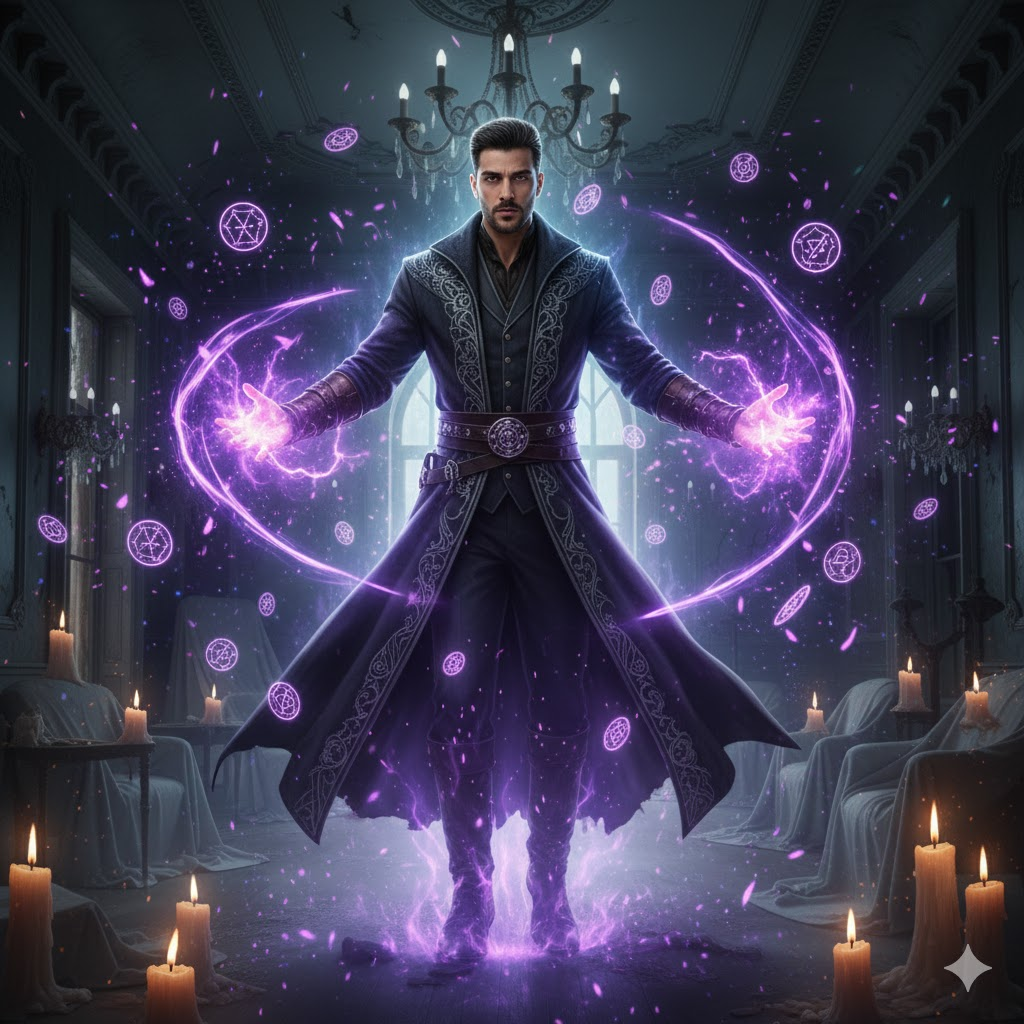
“Transform the person into a powerful Halloween sorcerer casting enchanted purple energy with floating candles and magical sigils. Add moody shadows and spell particles. The face should match the original reference to maintain authenticity in the portrait.”
8. Skeleton Makeup Editorial Shot
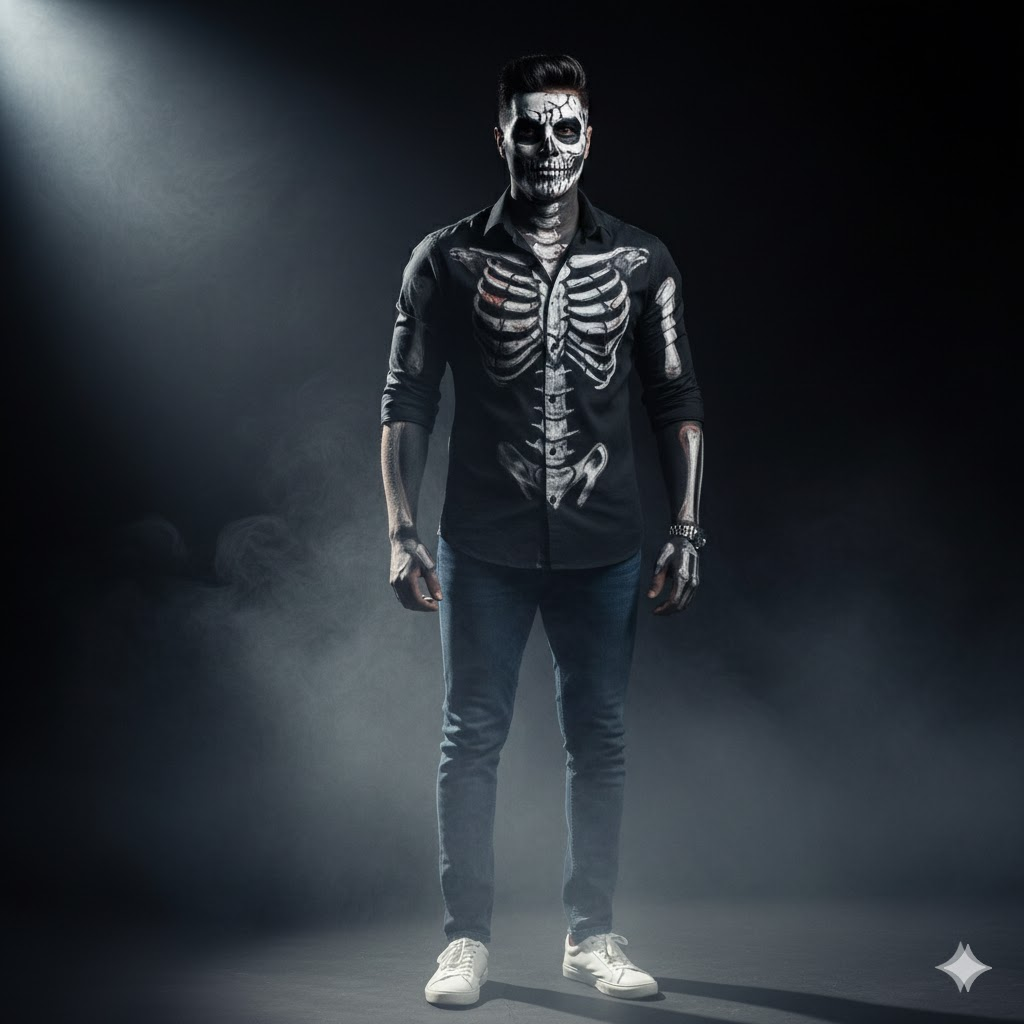
“Enhance the person with realistic half-face skeleton makeup featuring bone detailing and cracked textures. Use a dramatic dark studio setting with fog and spotlight contrast. Make sure the facial identity is preserved under the Halloween makeup.”
9. Masked Horror Movie Villain
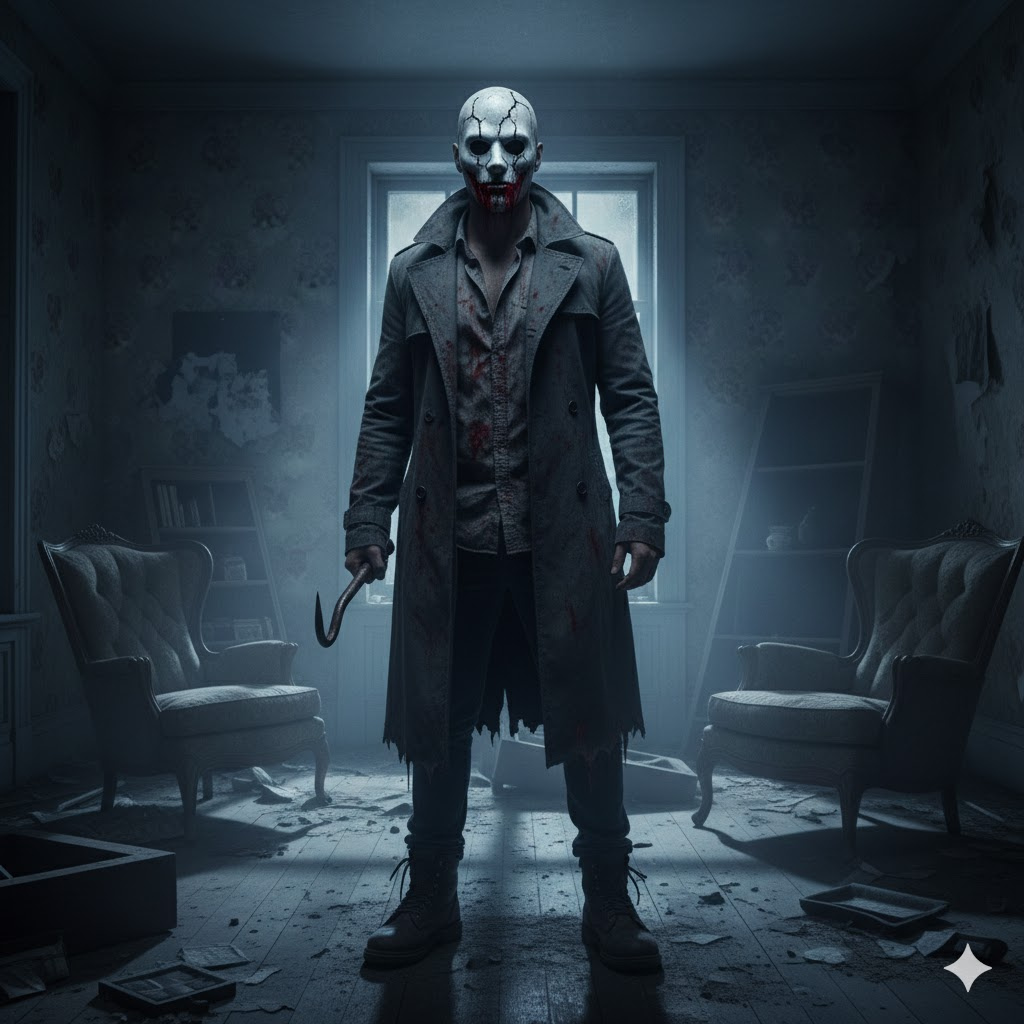
“Recreate the person as a chilling Halloween villain wearing a cracked mask and blood-splattered attire, set in an eerie abandoned house. Use cold tones and cinematic shadows. Keep the same underlying face so the transformed character remains identifiable.”
10. Haunted Cornfield Scarecrow
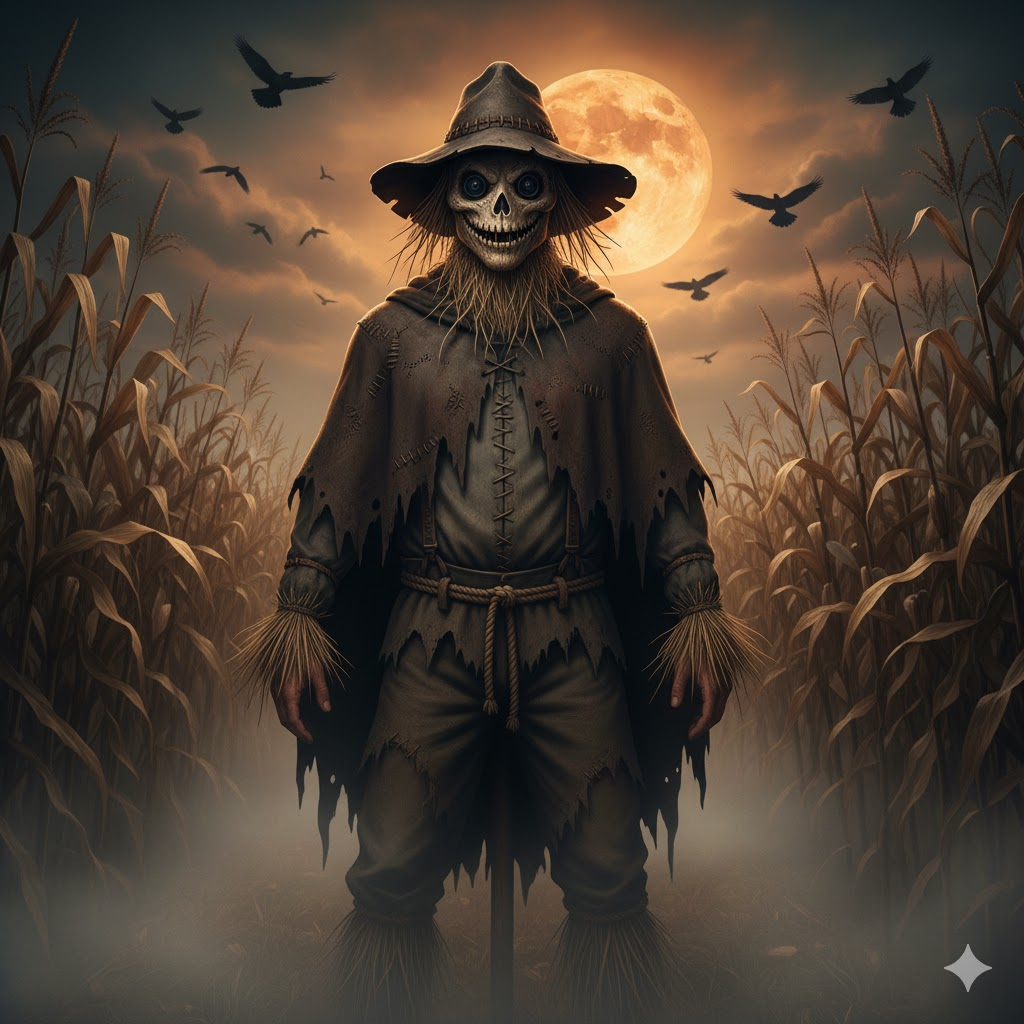
“Turn the person into a sinister scarecrow with stitched patterns, straw details, and a tattered cloak. Place them under an orange moon in a foggy cornfield with crows overhead. Facial structure should stay consistent with the original image while adding Halloween styling.”
11. Fire-Born Demon Character
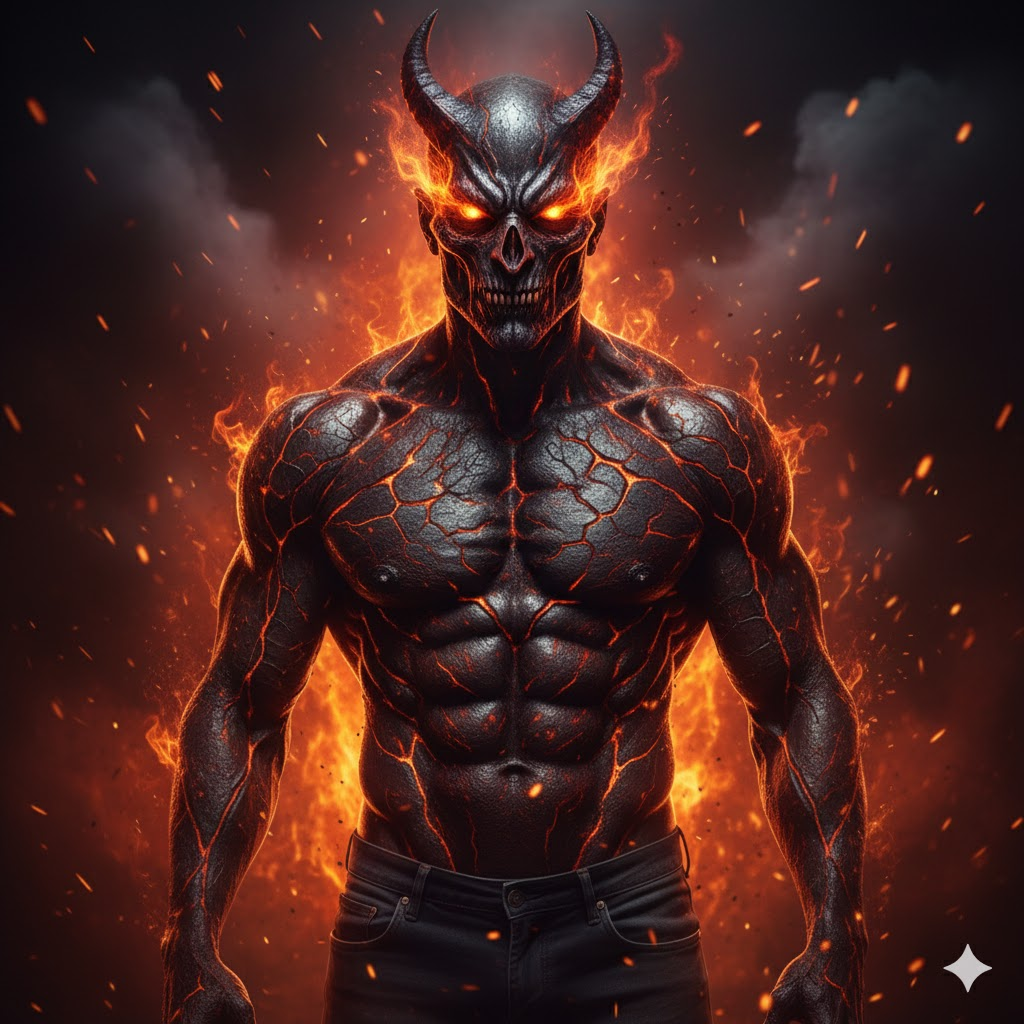
“Transform the person into a demonic entity with molten cracks, fiery eyes, and rising sparks. Use an inferno backdrop with smoke and glowing embers. Preserve the core face features so the demonic version still reflects the original identity.”
12. Cute Halloween Cartoon Look
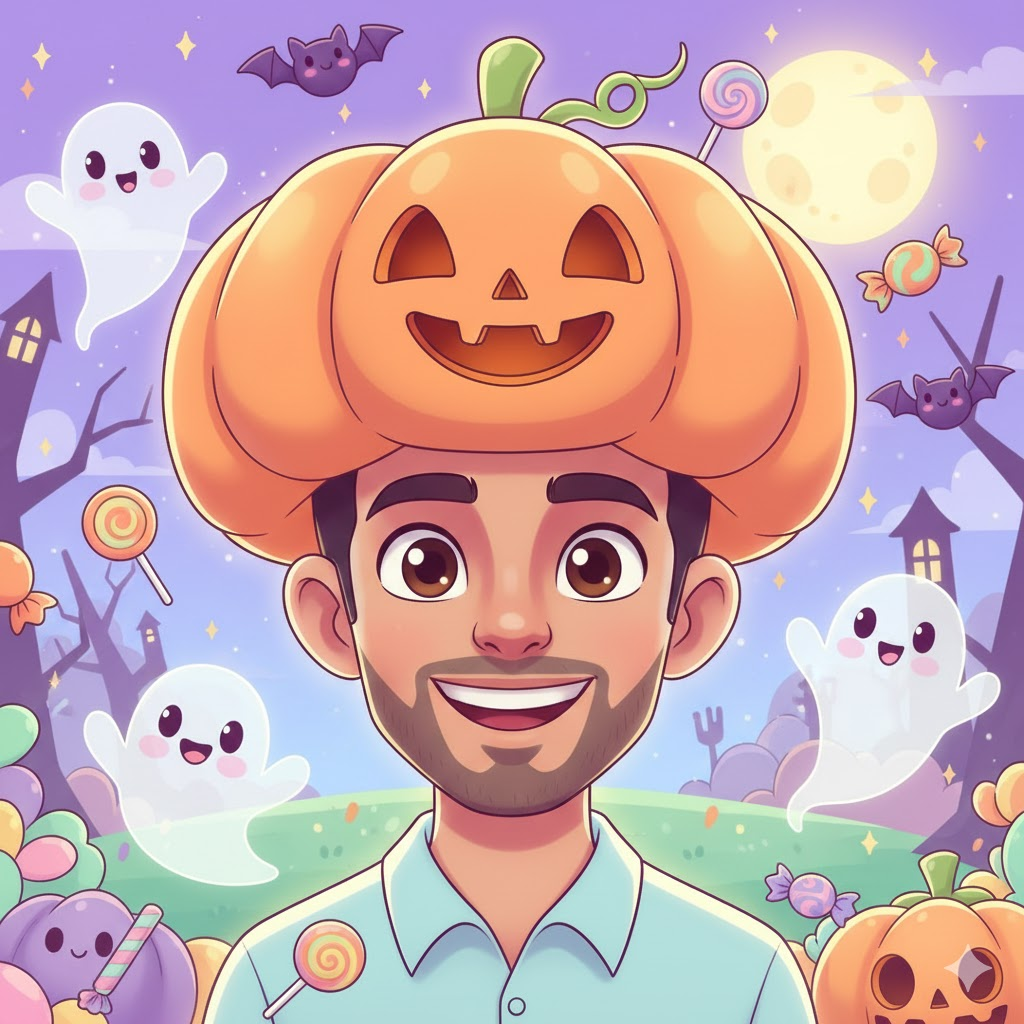
“Generate a charming cartoon-style version of the person wearing a pumpkin hat, surrounded by cute ghosts, candies, and pastel Halloween colors. Ensure the cartoon face still resembles the original image for a consistent character design.”
13. Dark Fallen Angel
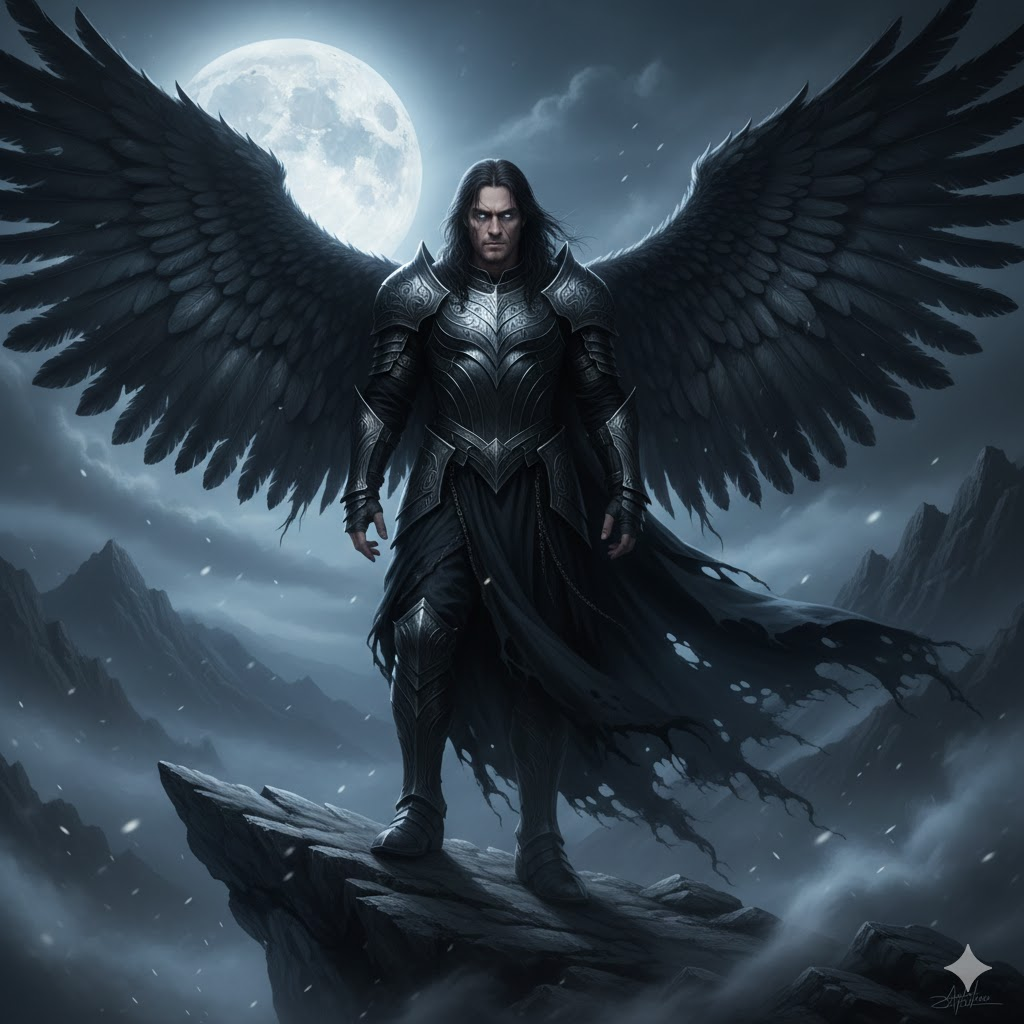
“Depict the person as a fallen angel with enormous black wings, metallic armor, and a misty moonlit cliff setting. Add subtle supernatural glow. Keep the facial likeness aligned with the reference so the angelic character remains true to the source.”
14. Creepy Circus Performer
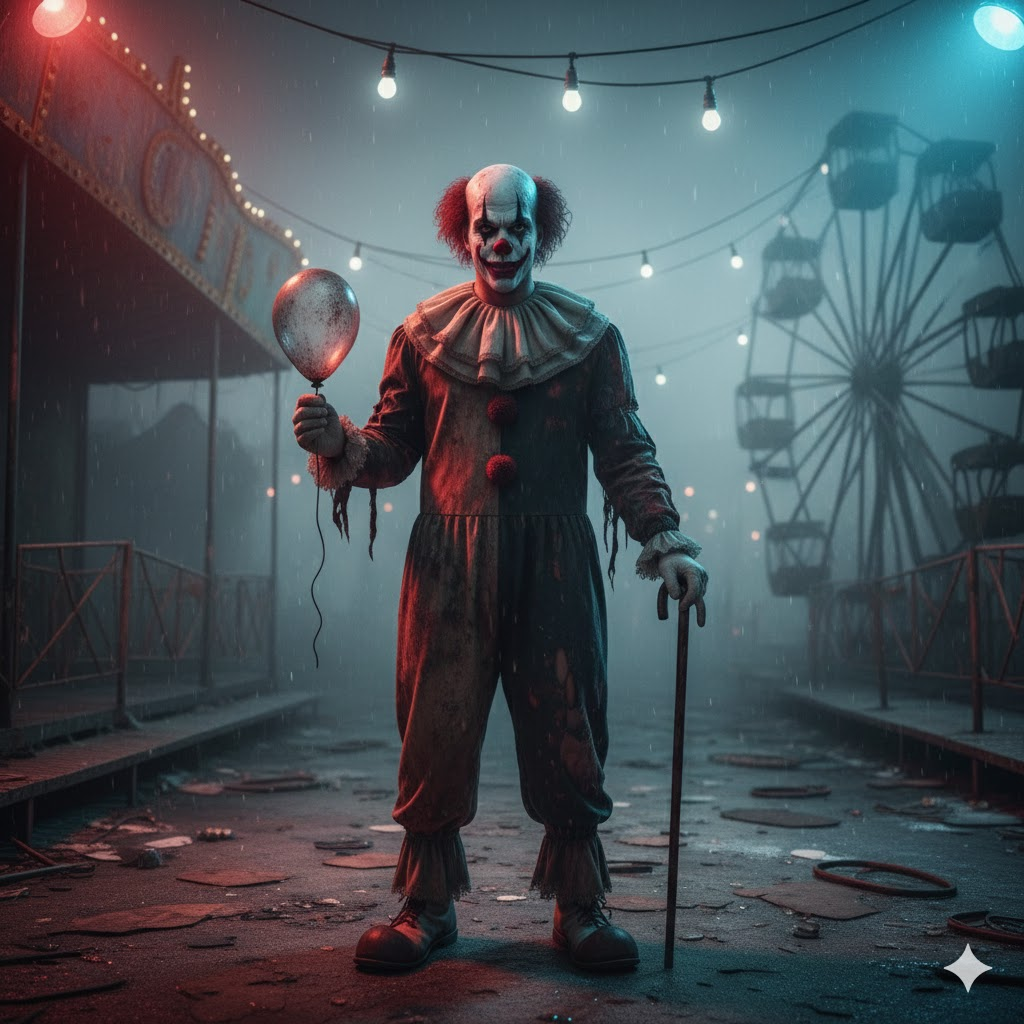
“Transform the person into a sinister circus performer with vintage clown makeup, cracked paint effects, and a run-down carnival scene. Add eerie lights and heavy fog. Retain the recognizable facial details from the original to ensure continuity.”
15. Classic Trick-or-Treat Halloween Portrait
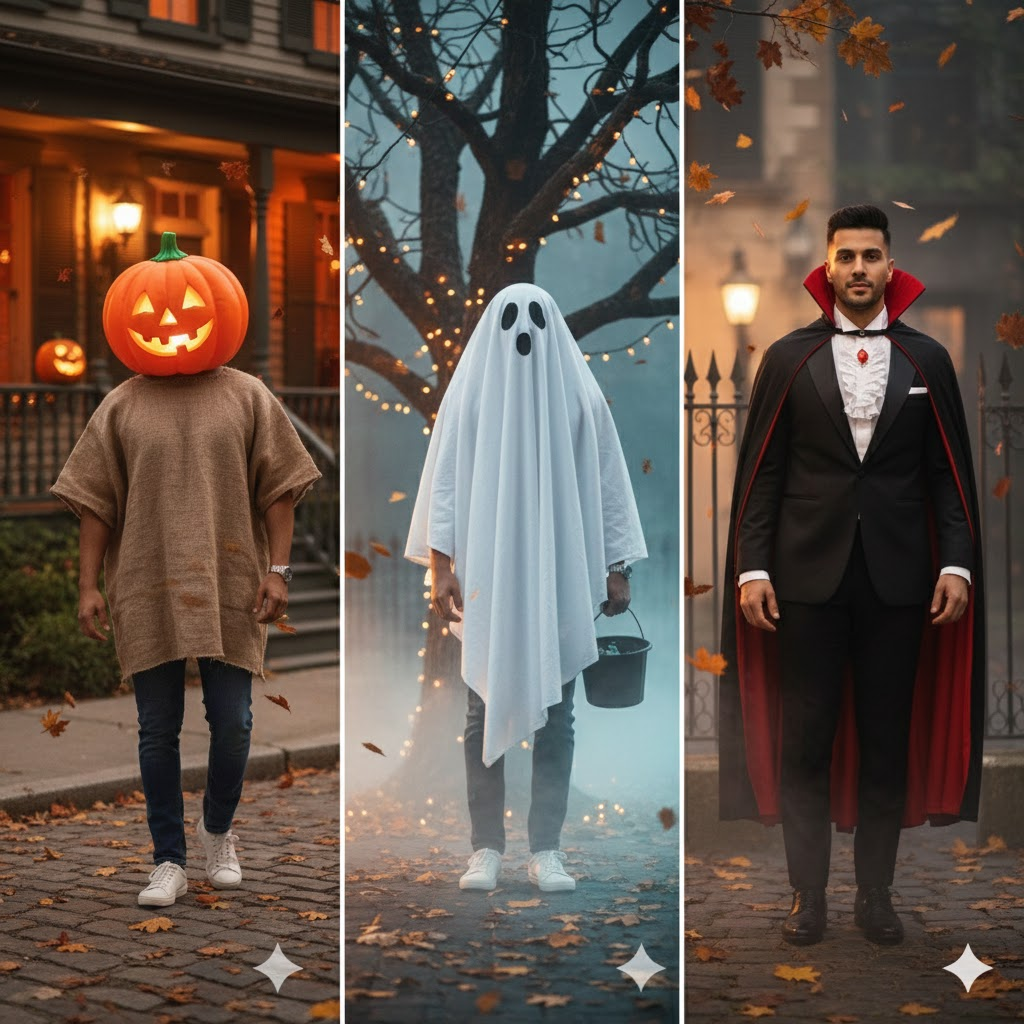
“Create a nostalgic Halloween scene featuring the person in a traditional costume—pumpkin, ghost, vampire—standing on a street with glowing porch lights and falling leaves. Make sure the facial features remain consistent with the original photo while enhancing the festive theme.”
Tips for Using These Prompts in Gemini AI
- Always include “face 100% same as reference” for consistent identity.
- Use 8K or Ultra HD for crisp, professional-grade results.
- Experiment with light settings (Golden Hour, Indoor Soft Light, Neon Night).
Conclusion
Mastering the right gemini ai halloween photo prompt can completely transform how you create spooky, creative, and cinematic visuals for the Halloween season. With Gemini’s powerful rendering abilities and its accuracy in maintaining facial identity, users can experiment with countless styles—from eerie ghosts to elegant vampires—while keeping every image visually consistent. This article delivers expert guidance, reliable prompt examples, and best practices to help you achieve the highest-quality Halloween results using Gemini AI. As AI-generated imagery continues to evolve, understanding how to craft effective prompts becomes essential for anyone who values creativity and precision. Keep exploring, keep experimenting, and feel free to use the detailed prompts provided here to elevate your Halloween content like a pro. At DailyAS, we remain committed to offering trustworthy, experience-backed insights that help you stay ahead in the world of AI-powered creativity.